
















The share email and the expiry reminder
Saved Basket sends two kinds of email, both in the shopper's language and in your shop's style: the share email, whenever a basket is saved with an email address, and the expiry reminder, shortly before a saved basket is lost.
The share email
When a shopper enters an email address in the save popup and clicks Send, this email goes out. It carries the saved products, the total, a one-click View the basket button, the basket code, and the shopper's note if they left one.
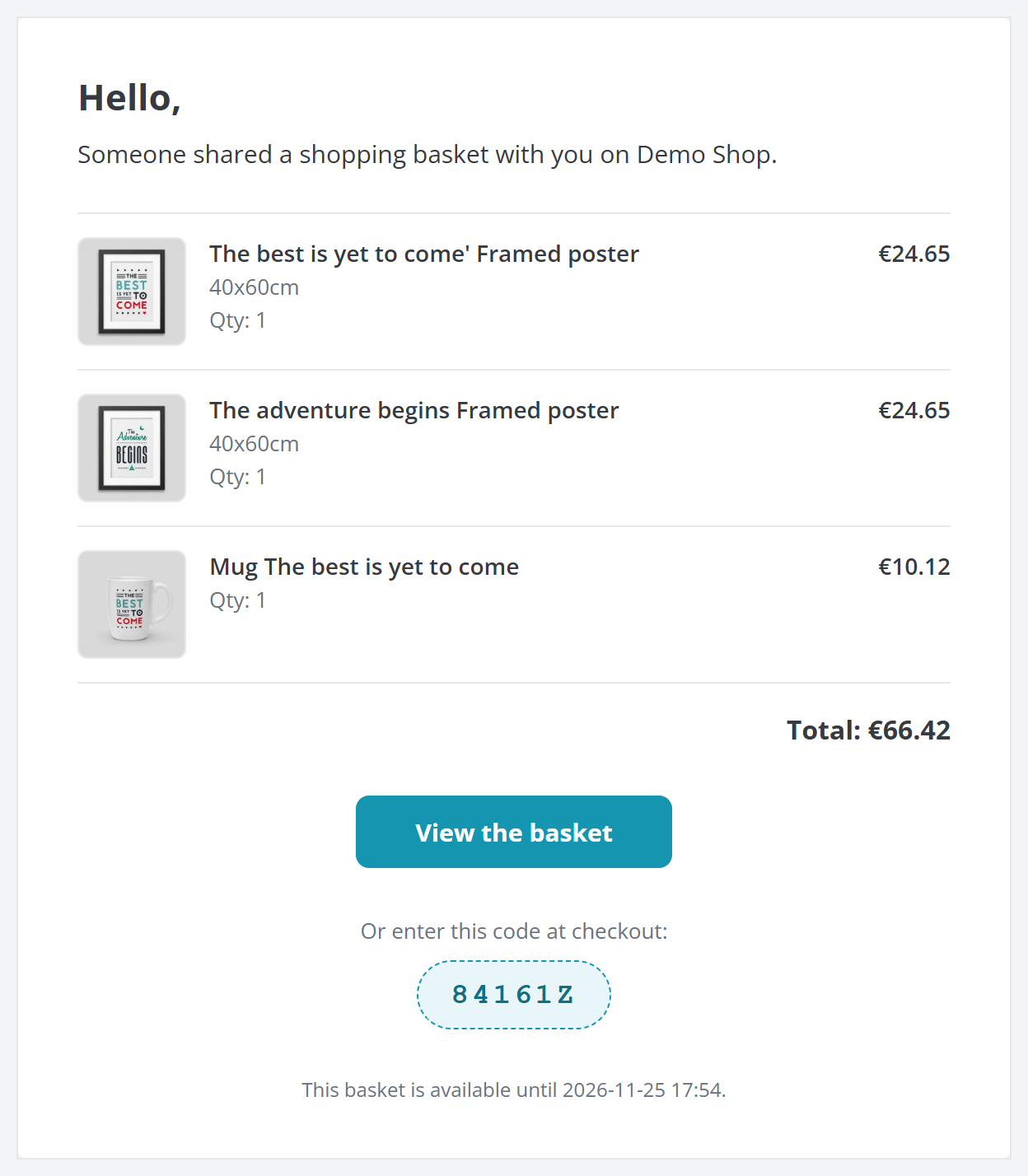
- The saved products, each with its picture, quantity and price.
- View the basket opens the basket in one click.
- The basket code, for a shopper who would rather type it in.
If you turn on the QR code (QR code), it is added to this email too.
The expiry reminder
When cart expiration and the reminder are both on, a saved basket that is about to expire gets one reminder email, with a link to bring it back before it is lost. Each basket is reminded only once. The reminder goes out with the scheduled cleanup job (The scheduled cleanup (CRON)), so you set it up once and it runs on its own.
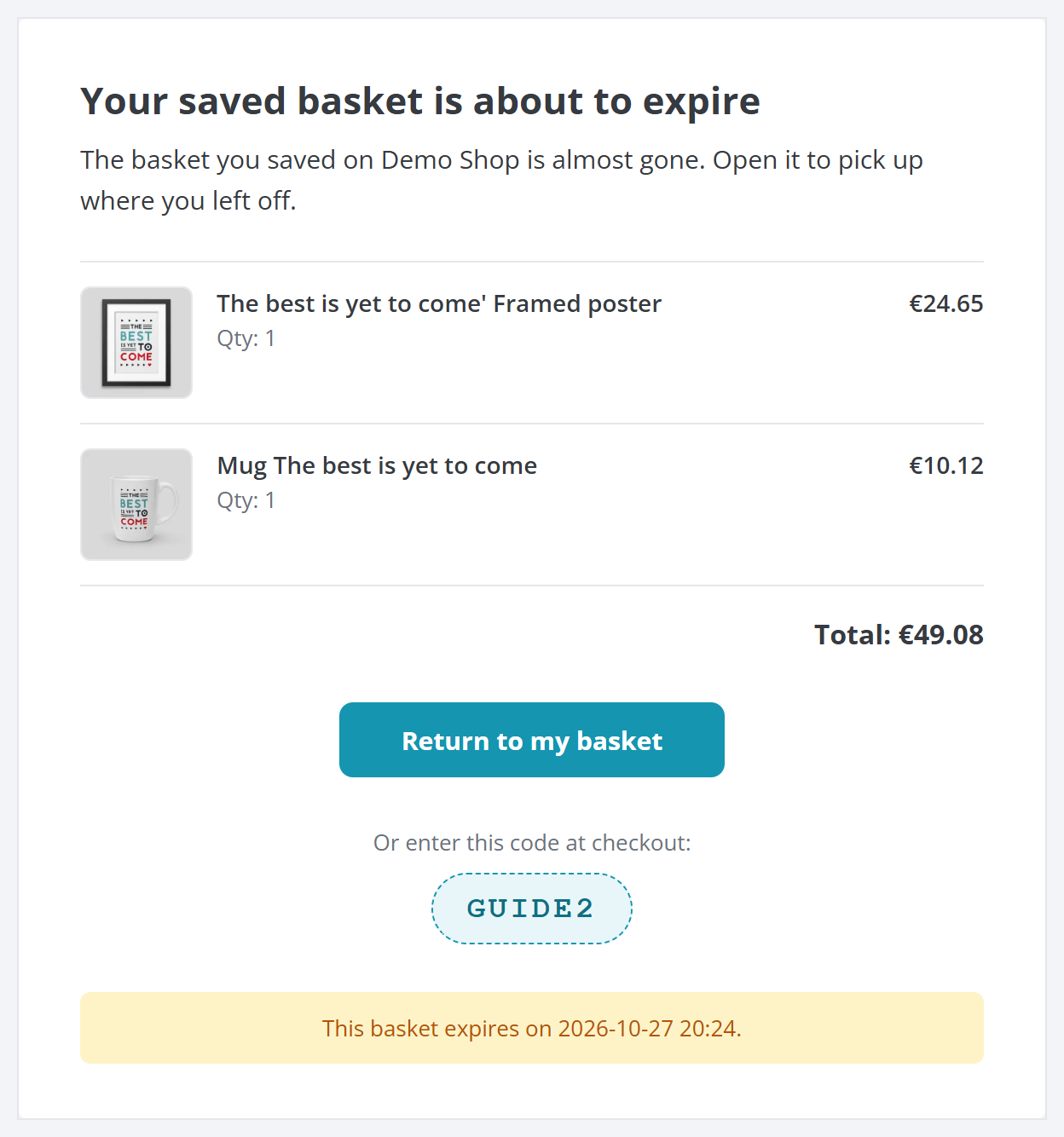
- The saved products, so the shopper remembers what they put together.
- Return to my basket brings the basket back in one click.
- The notice telling the shopper when the basket expires.
Turn the reminder on, and choose how many days before expiry it goes out, under Cart expiration › Expiry reminder (The expiry reminder).
A hidden copy for your team
If you want a copy of every share email to reach a sales inbox, enter one or more addresses in BCC emails under General › Email (Email). Those addresses receive a silent copy of each share email, and the shopper never sees them.